


Your cart
Your cart is empty
Skeleton text
Skeleton text
Skeleton text
Skeleton text
Skeleton text
Skeleton text


Shop Hello Blink
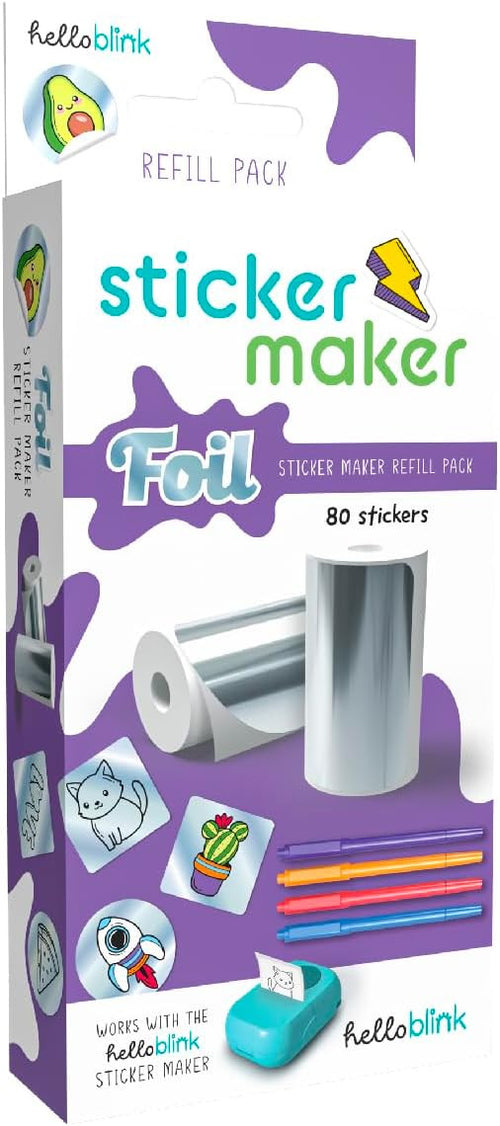
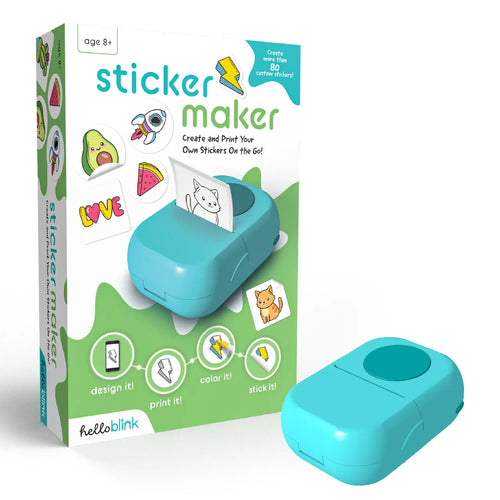
● Hello Blink Sticker Maker: create and print your own stickers with the app—ink-free thermal printing, easy for kids 8+.
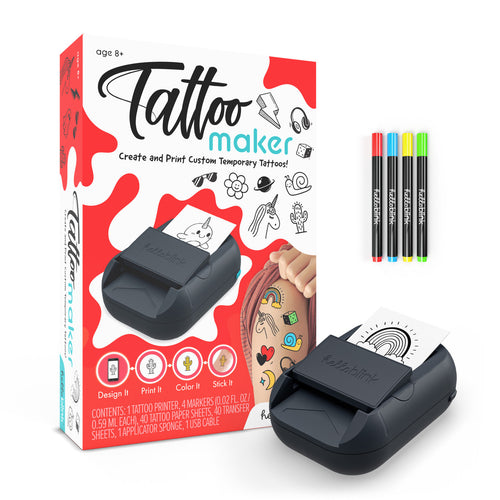
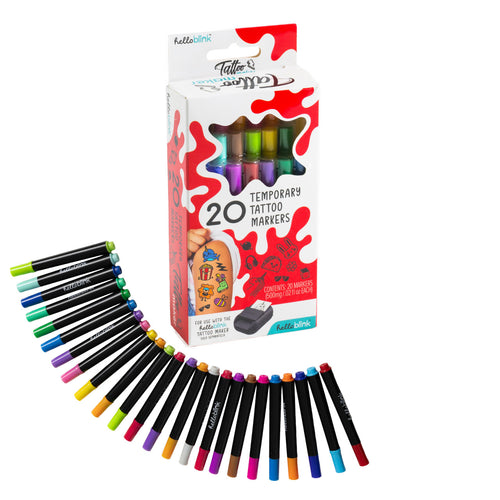
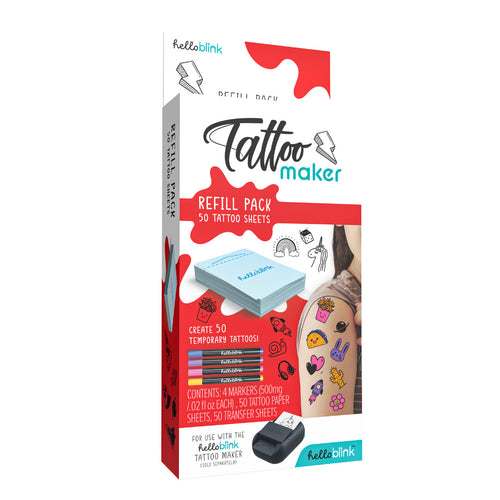
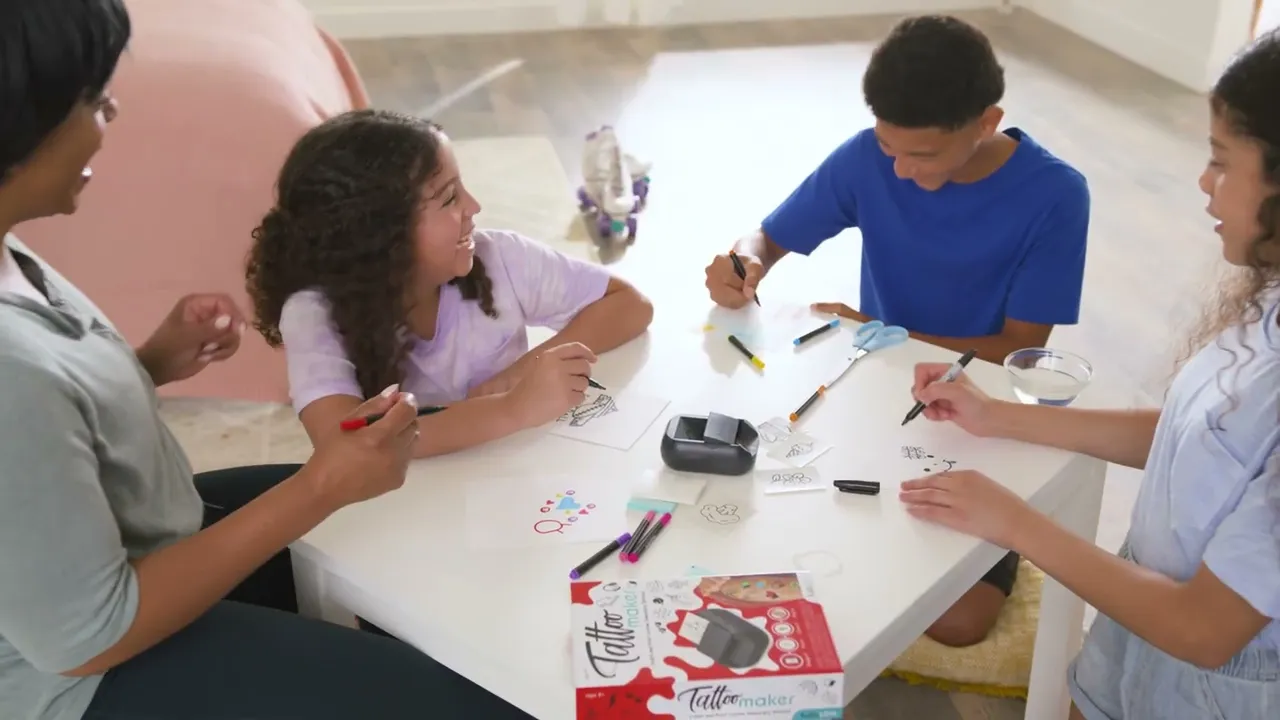
● Tattoo Maker: design, color & apply custom temporary tattoos; compatible refill packs extend the fun.


How it works


Frequently Asked Questions
I Cannot Connect my Sticker Printer App
Please ensure that you follow these steps:
- Bluetooth is enabled on your device, and you're within range of the Hello Blink Sticker Maker.
- Location settings are turned on for your device
- The sticker maker is fully charge, and the blue light is blinking, indicating it's ready to connect
Can the Sticker Printer print in color?
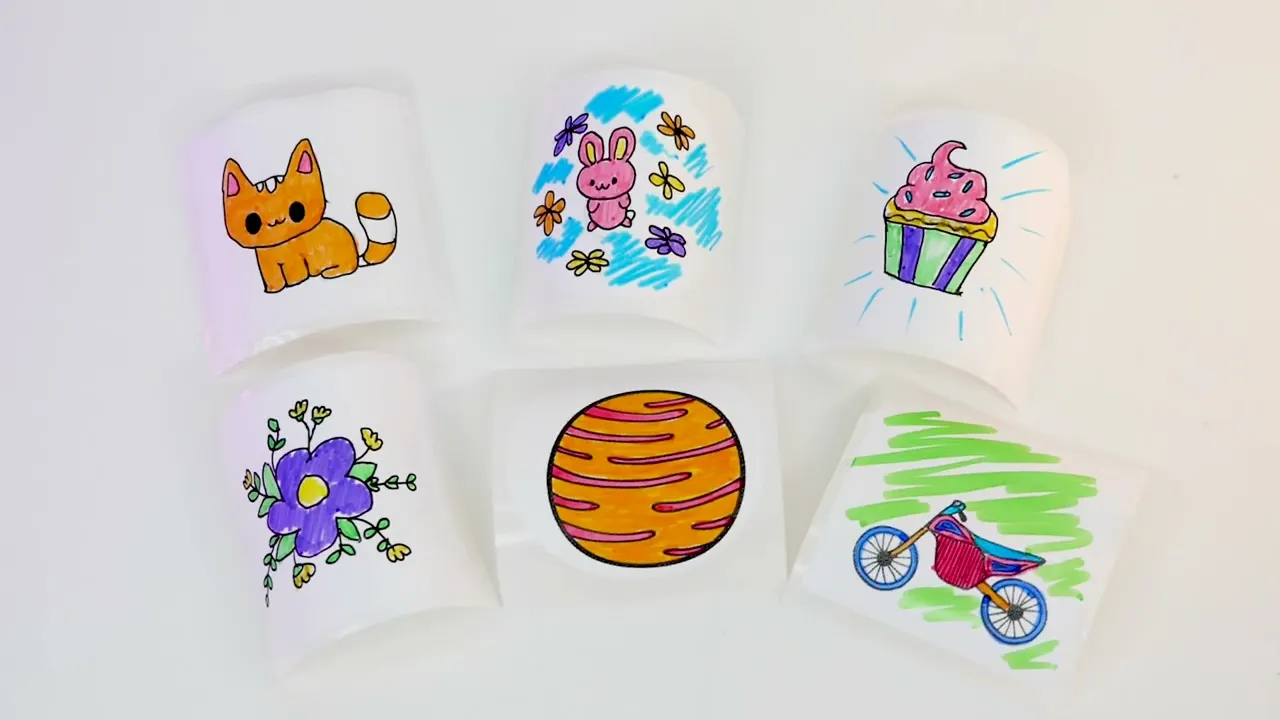
Because the Sticker Printer uses thermal printing technology, it is not able to print in color. Stickers can be colored after printing.
What do I do if my image does not print out centered to the sticker?
Make sure that you have lined up the paper correctly (see instructions). The top edge of the paper section should just be at the opening of the unit.
Can I print any photos?
Yes, you can either print a photo that you have just taken, or you can use the import button to your devices’ camera
What happens if I run out of stickers?
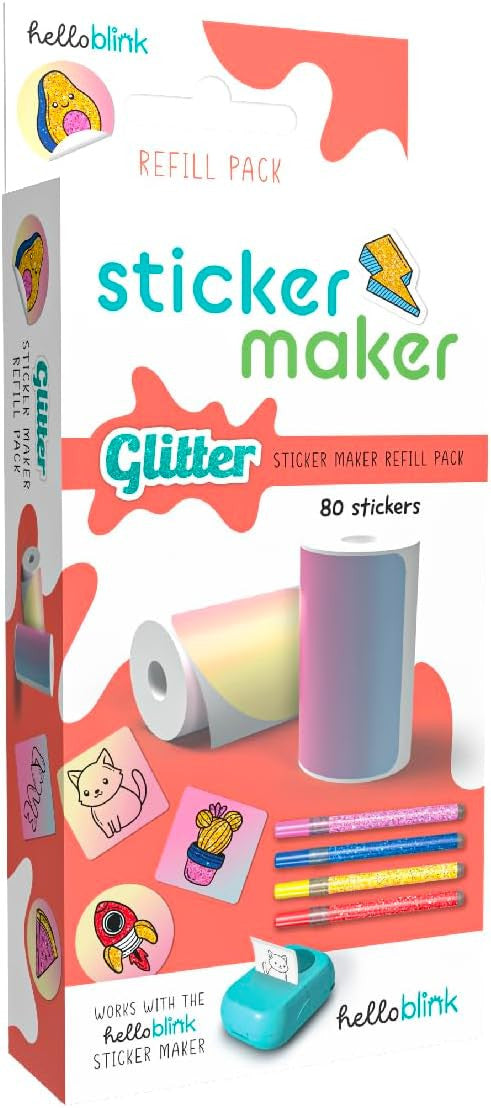
Refill packs are available.
Once I have printed an image, can I color it immediately?
Always wait a few minutes after a sticker has been printed, for the ink to dry to ensure that there is no smudging.
Can I use any pens to color the sticker?
Not all pens will work well on the sticker as some may not dry properly and lead to smudging. If you want to use other pens, please try a single line on a sticker first to see if it will dry ok on that sticker.
How Long Should I Charge the Sticker Printer?
2-3 hours.
What is the Battery Life of the Sticker Printer?
The battery maintains over 85% of its original capacity after 200 to 300 charge cycles.
My Sticker Printer is not Printing
Check whether the printing paper is loaded properly. When loading the printing paper, make sure the edge of the printing paper is coming out of the machine.
A Blank Label Came Out, What do I Do?
Simply open the unit and replace the sticker roll, ensuring you have the sticker paper loaded correctly. You may also simply tear off the blank label and put it back into the unit.
My Sticker Print was Incomplete or Not Dark Enough.
This might happen if dust gets into your Sticker Printer. Please shut down your machine, and you can moisten a cotton swab with alcohol and gently wipe the print head to clean the dust.
Is the Printer compatible with Android and iOS Devices?
It is compatible with Android and IOS devices.
What Types of Paper Can this Sticker Printer Use?
Paper length is less than 5.6cm, diameter is less than 3cm, the material can be thermal paper, thermal sticker.
My Sticker is Printing Unclear Images, What Can I Do?
Please be sure you increase the color density within the APP . Clean the print head and ensure your battery is fully charged.
I Can’t Get the Bluetooth to Connect
Please try the following steps:
- Turn on the mobile phone Bluetooth
- Restart the Printer
- Reinstall the App, and agree to all the permissions prompted when it is opened for the first time
- Make sure the printer is only connected to one mobile device at a time
- Try another phone
Will I need to add ink?
The Sticker Printer uses the latest thermal printer technology and does not require ink.
Why does the machine automatically print out a blank label when it is connected?
The first time the HelloBlink app connects to a printer it will perform a test print to make sure the print head is properly centered. This label can be put back into the printer for re-use.
There is paper in the machine, but the app is saying the machine is out of paper.
The printer may not be sensing the paper. Try opening the lid and closing it again.
I have an issue that is not covered by this FAQ.
We are sorry to hear that you were not able to resolve your issue. Please email us atpuzzles@ceaco.comand we will do our best to help you.
Still have questions?
We’d love to help you out! Please contact us at customerservice@buffalogames.com and we will do our best to help you.


- Choosing a selection results in a full page refresh.
- Opens in a new window.